QR ordering, billing and kitchen screens for restaurants and hotels
Order from the table. Exactly as asked.
Guests scan, order and settle from their own phone. The kitchen sees every order the second it is placed. Bills, reports and the waitlist run from the same place, set up the way your restaurant works.
How it works
Three taps for the guest. Nothing extra for your staff.
Scan
The menu opens on the guest's phone.
They scan the code on the table. No app to install, nothing to sign up for, no waiting to catch someone's eye.
Order
They order, and watch it move.
The order goes straight to the kitchen. The guest's phone shows it change from ordered to preparing to served, without a refresh.
Settle
One clear bill for the table.
Items, GST and the platform fee each have their own line, shown before the guest orders and again on the bill.
In the kitchen
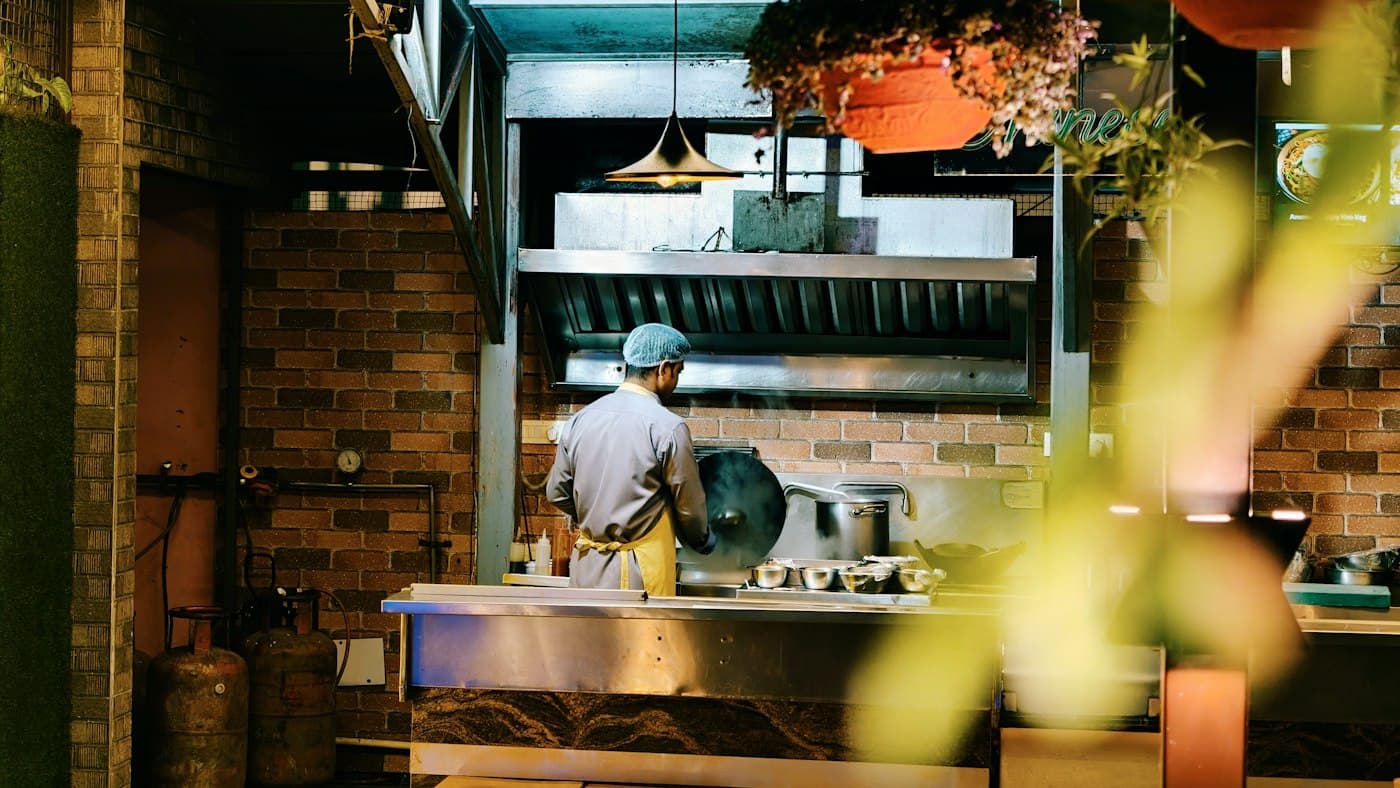
On the kitchen screen the second it is ordered.
Every ticket carries the table number and each dish. One tap moves it from ordered to preparing to ready, and the guest sees the change on their phone. Give each station its own screen and it sees only its own dishes.
What is included
From the queue at the door to the day’s cash.
At the doorBefore they sit
- A waitlist from a QR code
- Parties join the line from their own phone and see how many are ahead and roughly how long. Staff call and seat them from one screen.
- Takeaway with a token
- A pickup order gets a token number. A screen at the counter shows which tokens are ready.
At the tableWhile they eat
- English or Hindi
- Guests switch the menu between the two with one tap.
- Veg and non-veg marked
- Every dish carries its green or brown mark, and a guest can ask to see vegetarian dishes only.
- Call the waiter
- A tap on the phone sends the table's request to the staff on shift.
At the counterWhen they pay
- GST bills that print
- One bill for the table with its own number, CGST and SGST on separate lines, sized for a thermal printer. Split it equally if they ask.
- Discount and round-off
- A manager gives a discount with a reason, and the bill rounds to the rupee, or down to ₹5 or ₹10.
- Staff take orders too
- For walk-ins and phone orders, staff type the order in and it joins the same kitchen queue.
In the kitchenBehind the pass
- A screen for each station
- The tandoor, the curry line and the drinks counter each see and print only their own dishes.
- Sold out in one tap
- The dish comes off the menu on every guest's phone until the kitchen puts it back.
- Paper, if you want it
- Each new order can print its own kitchen slip, with notes and options in bold.
At closingAfter the last table
- The day on one page
- What was sold, how it was paid, the cash that should be in the drawer, and what each member of staff took.
- The month for your accountant
- Any period day by day, and every bill with its GST as a spreadsheet.
- A PIN for each person
- On a shared tablet, each person's orders and cash go under their own name.
Made to fit
Switch on what you use. Leave the rest off.
No two restaurants run the same way, so Scanowait is set up around yours. Every part is its own switch. A cafe can run on the takeaway counter alone, a dining room on table codes and a waitlist, a hotel on all of it.
- Yours to change. Your menu, prices, GST rate, kitchen stations and who on your staff can do what are all in your own settings.
- Different for each outlet. Every outlet keeps its own menu, its own rate and its own switches.
- Need something that is not here? Ask, and we build it around how you work.
For the owner
No setup fee. No subscription.
Scanowait is paid for by a 1% platform fee on each order, shown to the guest before they confirm. Your menu prices stay yours. Prefer a fixed bill? Take a membership instead: one set amount, and no fee on your guests’ orders.
- ₹0
- to set up
- ₹0
- a month
- 1%
- platform fee, paid by the guest
- Run from staff phones
- Orders, menu changes and sold-out dishes are handled from a phone. The kitchen screen is any tablet with a browser.
- Tables shared fairly
- A new table goes to the waiter on shift who has the fewest. Managers see how many each waiter served.
- Your GST, on its own line
- Set the rate once for each outlet. It is added to every order and shown separately on the bill.
- Codes printed once
- A table's code does not change when the menu or prices do, so the cards on your tables stay as they are.
Book a demo
Start with one outlet.
We load your menu from your own spreadsheet, switch on the parts you want and train your staff on site. Guests keep paying the way they do today. When the pilot ends, you decide whether it goes to your other outlets.